
HandyTracker User Manual is a software for GlobalSat TR10x/TR15x personal personal safety positioning hardware device, which can display TR10x/TR15x reported information on the map and monitor one or more TR10x/TR15x at the same time.
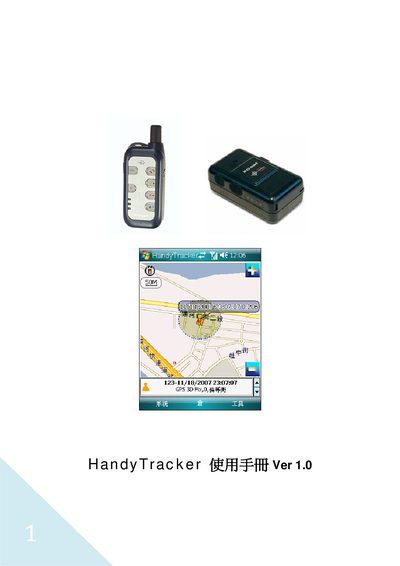
This manual explains how to install the HandyTracker software on a Windows Mobile smartphone or PDA, including required hardware such as a GlobalSat TR10x/TR15x tracker and a memory card of at least 256 MB. It details the software installation process, activation via phone or PC, and the layout of the main screens.
Further sections cover basic usage, screen settings, data management (query, delete, export), SMS and SOS configuration for TR150/TR151 devices, and coordinate lookup functions. The guide is intended for end‑users who need to set up and operate the HandyTracker tracking system. This manual is written in Chinese.