
This document is a user manual for the BK208 vertical machine control system, which introduces the system configuration, installation, key operation instructions, parameter and function setting instructions, system debugging setting instructions, input/output state detection, and other contents. The control system features full computer control, high-brightness LCD display, dual 32-bit CPU design, modular design, Real Time function, screen protection function, mold data storage, password setting and data lock, multi-language text selection, packaging module setting, multiple neutron and thread programs, PID self-learning temperature control, nozzle temperature scheduled heating, multiple stroke control methods, multiple injection methods, self-fault detection, etc.
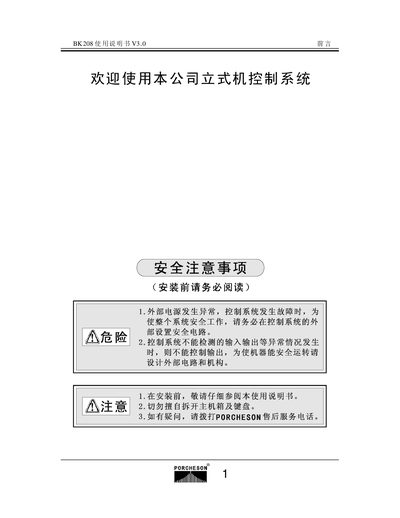
The manual provides detailed instructions for installing the PORCHESON BK208 control system, including safety precautions, wiring, and mechanical mounting. It also describes the operation of the control panel, key functions, and how to configure parameters such as temperature, pressure, and flow.
Additional sections cover production management, system startup procedures, input/output status checks, and an appendix with connector pinouts and dimensional drawings. The document is organized into chapters that correspond to system configuration, key operation, parameter settings, and troubleshooting. This manual is written in Chinese.
| LCD size (BK208C) | 5.7 inches, 320 × 240 px |
|---|---|
| LCD size (BK208K) | 6.0 inches, 640 × 480 px |
| Power supply | PV600 600 W |
| Communication cable | DB‑15F, 1 m to 8 m |
| Control CPU | Dual 32‑bit CPU |
Ensure external power is normal and set up safety interlocks before any work on the control system.
After wiring, conduct a comprehensive check of all input and output points, then verify the status LEDs on the LCD.