
This manual introduces the features, configuration, installation, key operation, parameter/function setting, system debugging setting, input/output status detection, etc. of BK208 control system.
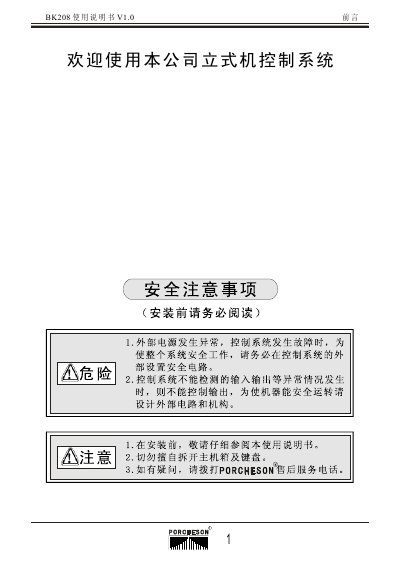
This manual provides detailed instructions for installing, configuring, and operating the PORCHESON BK208 stand‑type control system. It includes safety precautions, wiring diagrams, parameter settings, and troubleshooting steps.
The document is organized into chapters covering system layout, installation, key operation, parameter configuration, input/output testing, and reference appendices with dimensions and wiring details. This manual is written in Chinese.
| Main controller model | PS610BM |
|---|---|
| Control panel display resolution | 320 × 240 |
| Maximum output current | 3 A |
| Dimensions of main unit | see drawing in appendix |
The manual states that external power sources must be normal, the system must be grounded, and all connections should be checked for safety before starting installation.
After installation, a complete inspection of power sources, main cabinet, wiring, and sensors must be carried out, followed by a functional test of input and output signals.
Connect a DC 8‑bit signal to the main cabinet, then check the LCD display for normal operation; the system will indicate if the inputs and outputs are functioning correctly.