
This document introduces how to use the Pharos Drive GPS 135.
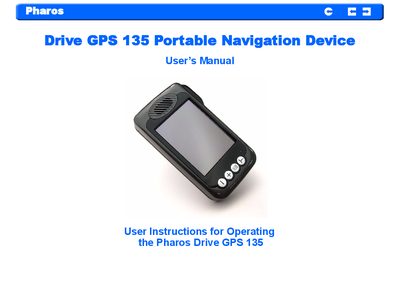
This manual covers the Pharos Drive GPS 135 portable navigation device, detailing its hardware features, mounting options, and basic operation. It includes safety warnings, battery handling, and FCC compliance information.
The guide also explains how to synchronize the device with a PC, use built‑in entertainment functions, and perform troubleshooting and maintenance tasks.
| Display | 3.5" Touchscreen, 320 x 240 pixel, TFT, 16.7M colors |
|---|---|
| Memory Extension | SD Memory Slot |
| Connectors | MiniUSB, external GPS‑antenna, external TMC antenna, SD slot |
| USB Interface | USB v1.1 |
| Operating System | Windows CE 4.2 |
| Weight (incl. battery) | 215 g |
| Dimensions (w/o antenna) | 77 × 134 × 27 mm |
| Cold Start Time | 45 seconds (typical) |
| Car Adapter Input Rating | 12‑24 V |
| Car Adapter Output Rating | 5.0 V, 2 A |
A minimum of four GPS satellite signals are needed to calculate your GPS position.
Do not attempt to service the unit; replace the unit if it is damaged or exposed to excess moisture.
A cold start typically takes about 45 seconds.
The car adapter accepts an input rating of 12‑24 V and provides an output of 5.0 V at 2 A.