
This document describes the precautions to be taken when installing AGP cards, including the specifications and compatibility of the cards.
This manual covers the complete hardware installation process for the GA-7VA motherboard, including CPU, memory, expansion cards, ribbon cables, and power connections, together with safety precautions for handling sensitive components. It also explains the layout, block diagram, and key features of the board.
Later sections describe BIOS configuration, power‑management options, over‑clocking controls, and technical reference data such as chipset details, audio codec, and USB support. Appendices provide additional resources and contact information for Gigabyte support worldwide.
| Chipset | VIA VT8235 |
|---|---|
| Audio Codec | Realtek ALC650 |
| USB Interface | USB 2.0 |
| Supported CPUs | AMD Athlon / Athlon XP / Duron Socket A |
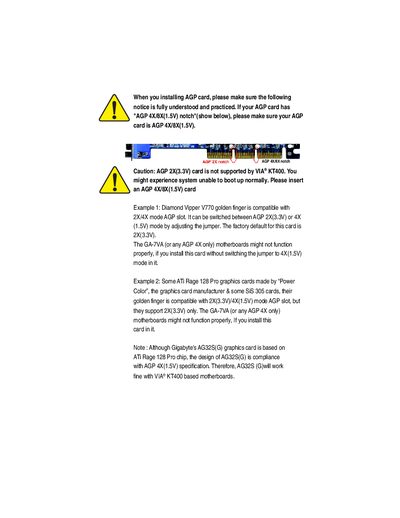
Only AGP 4X/8X (1.5 V) cards are supported; AGP 2X (3.3 V) cards are not supported and may prevent the system from booting.
Unplug the computer, use a grounded wrist strap, handle components by the edges, avoid touching IC pins, and work on an antistatic surface.
The BIOS can be flashed using the BIOS Flash Procedure described in Chapter 4 of the manual.