
HT82K628A is a keyboard encoder designed for IBM PC/AT, IBM PS/2 and all compatible machines. It supports WindowsTM keys, PC/AT and PS/2 code set 1, 2, 3. It supports Japanese, Korean, Brazilian and European languages. It features an RC oscillator, phantom key detection, low power consumption, and supports various types of keyboards including mini-keyboard and Internet/Multimedia keyboard.
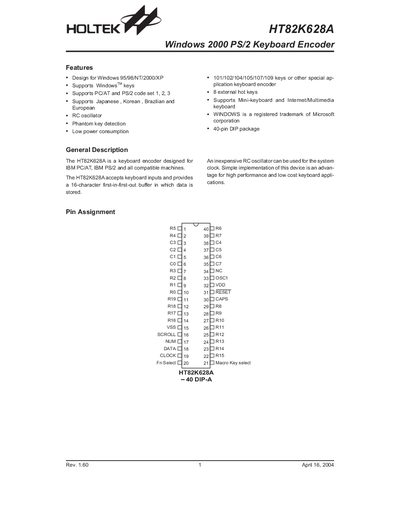
The HT82K628A is a keyboard encoder designed for IBM PC/AT, IBM PS/2 and compatible machines, supporting Windows 95/98/NT/2000/XP and multiple language layouts. It provides 101‑109 key support, 8 external hot keys, and optional mini‑keyboard and multimedia functions.
The document includes sections on features, pin description, absolute maximum ratings, electrical characteristics, functional description, host command set, data communication protocol, and package information, giving designers all necessary specifications to integrate the chip into keyboard designs.
| Typematic Rate (default) | 10.9 characters per second + 20 % |
|---|---|
| Typematic Delay (default) | 500 ms + 20 % |
| Package Type | 40‑pin DIP |
It is designed for Windows 95, 98, NT, 2000, and XP.
The device supports eight external hot keys.
Send the F2H (Read ID) command; the chip returns two ID bytes 0x83 and 0xAB.
The F4H (Enable) command activates the chip and starts scanning.