
This document is the user guide for the ASUS AP1710-S5 server, describing the features and characteristics of the server.
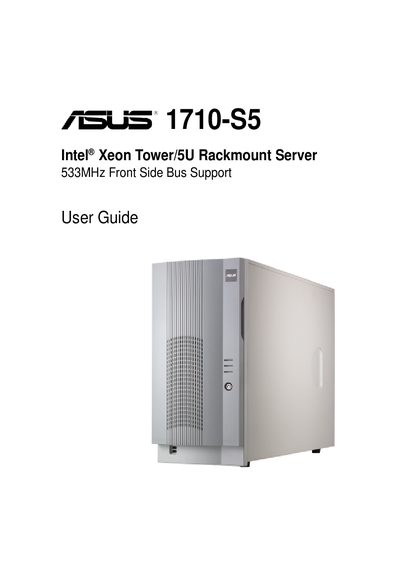
This guide introduces the ASUS AP1710-S5 Intel Xeon tower/rackmount server, describing its front‑panel, rear‑panel, and internal features. It is intended for system integrators and experienced users who need to install, configure, and maintain the server.
The manual covers hardware setup procedures, safety precautions, power‑module specifications, and a troubleshooting appendix that lists common problems and their solutions. It also includes detailed specifications for the redundant power module and FCC/Canadian compliance statements.
| Processor | Intel Xeon |
|---|---|
| Front Side Bus | 533 MHz |
| +5 V Output Voltage (Nominal) | 5.00 V |
| +12 V Output Current Capacity (Max) | 25.0 A (300 W) |
| +12 V Over‑Voltage Protection Max | 14.2 V |
Check the memory modules and make sure the DIMMs are properly installed in the supported sockets.
Ensure a bootable hard‑disk is active, properly installed, and for SCSI models, verify that the SCSI cables are correctly connected to the backplane.
Unplug all power cables from the electrical outlet before connecting or disconnecting any signal cables or components.