
Introduce the installation method of MI70-Link
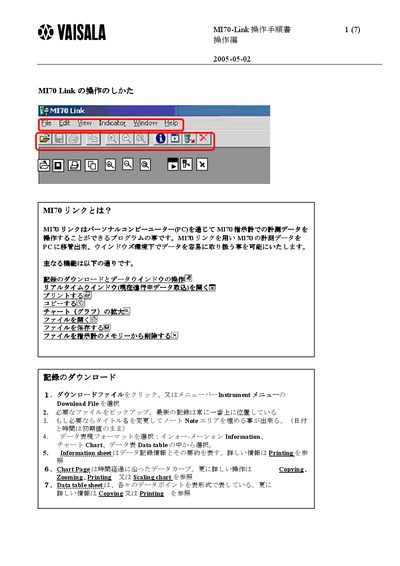
The MI70 Link program allows users to transfer measurement data from an MT70 instrument to a Windows PC, where the data can be easily handled. It provides functions such as downloading records, real‑time monitoring, chart display, and file management.
The manual describes how to use the Information sheet, Chart, Data Table, chart scaling and zoom, real‑time monitoring settings, and file operations (open, save, delete). It also lists monitoring interval options and the corresponding maximum monitoring periods. This manual is written in Japanese.
| Monitoring interval range | 1 second to 12 hours |
|---|---|
| Maximum monitoring period (1 s interval) | 18 hours |
| Maximum monitoring period (15 min interval) | 677 days (≈1.8 years) |
Right‑click near the bottom of the chart and choose Axis, or open the View menu and select Axis to adjust the Y‑axis scaling.
Click the Open button, select a file with the *.m70 format, or drag a file icon from Windows Explorer into the MI70 Link window.