
This manual describes the features and operating instructions for the Vaisala HMT330 series temperature and humidity transmitters. The manual includes product overview, safety instructions, installation instructions, connection instructions, operating instructions, troubleshooting and maintenance instructions.
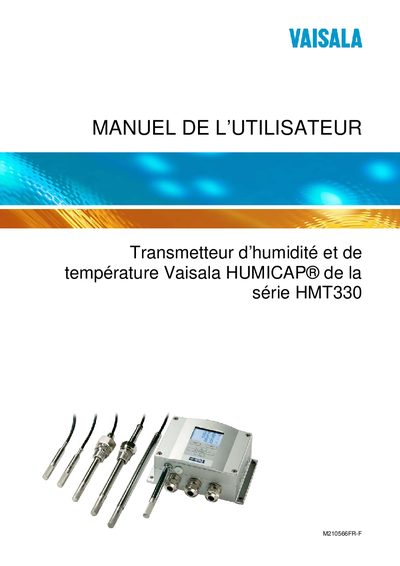
This manual covers the general information, safety considerations, and product overview for the Vaisala HUMICAP HMT330 series humidity and temperature transmitter. It describes the transmitter's structure, optional probes, and the various installation kits available for wall, DIN‑rail, pole, and pipe mounting.
Detailed sections guide users through wiring, power connection (24 VDC), configuration of communication interfaces (RS‑422/485, LAN, WLAN), display and keyboard operation, analog and relay output settings, chemical purge procedures, and routine maintenance such as cleaning and filter replacement. Calibration, adjustment, and technical specifications are also provided. This manual is written in French.
| Power supply voltage | 24 VDC |
|---|---|
| Serial communication interface | RS‑422/485 |
| Network interface | LAN |
| Wireless interface | WLAN |
| Optional heated probe | Available (HMT BZ) |
Use the display/keyboard to access the IP configuration menu and set the desired address.
Select the analog output settings via the display/keyboard and modify the mode and range as needed.
Activate the chemical purge option through the display/keyboard or use the manual purge controls as described in the purge section.