
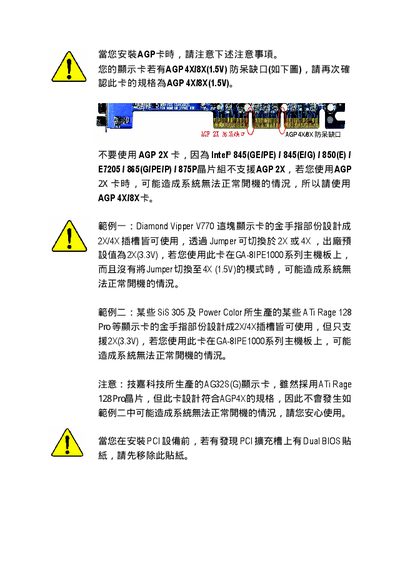
This document provides information on the precautions to be taken when installing an AGP card, including using the correct specification AGP card, not using unsupported AGP 2X cards, and switching modes for specific brand's gold fingers.
This manual provides detailed information for installing and configuring the Gigabyte GA-8IPE1000 motherboard. It covers the board layout, component locations, BIOS settings, and required connections for CPU, memory, storage, and peripherals.
The document also includes compliance declarations, safety notices, and contact information for Gigabyte support centers worldwide. It is written in Chinese and intended for system builders and service technicians.
| Form factor | ATX |
|---|---|
| CPU socket | Socket 478 |
| USB ports | 4 USB 2.0/1.1 ports |
| Audio codec | Realtek ALC850 |
The motherboard provides four USB 2.0/1.1 ports.