
This manual is the user manual for GA-8KNXP Ultra-64 motherboard, introducing the functions and usage of the motherboard.
This guide provides detailed instructions for installing the Gigabyte GA-8KNXP Ultra-64 motherboard. It includes a layout diagram, descriptions of the CPU socket, memory slots, expansion slots, and power connectors, as well as BIOS configuration and troubleshooting tips.
The manual also lists the supported processors, memory types, and peripheral interfaces such as AGP, PCI‑X, IDE, SATA, and USB. Compliance declarations for EMC and FCC are included, along with contact information for Gigabyte technical support. This manual is written in Chinese.
| CPU Socket | Socket478 |
|---|---|
| Supported CPUs | Intel® Pentium® 4 (Northwood, Prescott) |
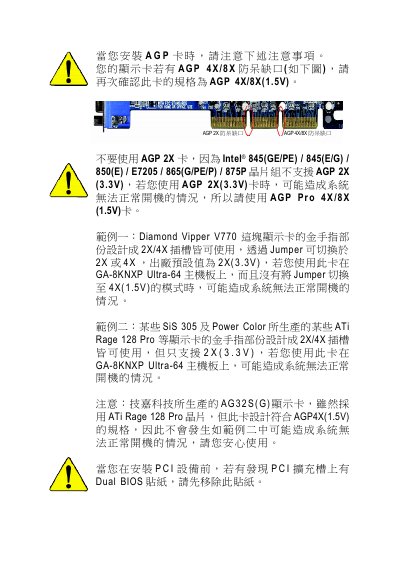
| AGP Slot | AGP Pro 8X/4X (1.5 V) |
| PCI‑X Slots | 2 × 64‑bit PCI‑X |
| USB Ports | 8 × USB 2.0/1.1 |
The board supports Intel® Pentium® 4 processors, including Northwood and Prescott cores.