
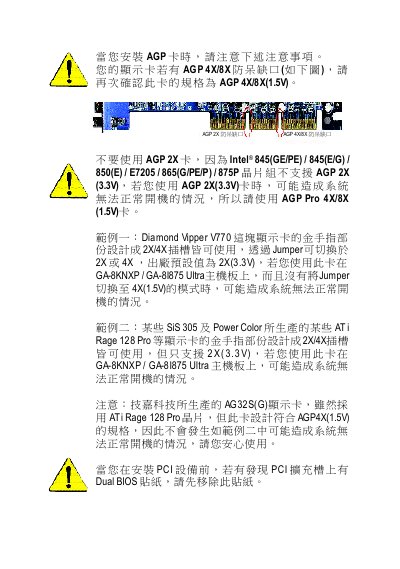
This document provides information on the precautions to be taken when installing an AGP card, particularly regarding the compatibility issues between AGP 4X/8X and AGP 2X. Two examples are given to illustrate that certain graphics cards may cause the system to fail to boot properly. It is also mentioned that the AG32S(G) graphics card produced by GIGABYTE complies with the AGP4X(1.5V) specification, ensuring normal operation. Furthermore, it is advised to remove the Dual BIOS sticker before installing a PCI device.
This guide provides step‑by‑step instructions for installing the Gigabyte GA-8KNXP / GA-8I875 Ultra motherboard. It includes detailed diagrams of the board layout, CPU socket, memory slots, AGP/PCI slots and power connections.
The manual also explains BIOS configuration, supported processors, memory types, and peripheral interfaces such as SATA, USB and IEEE1394. Safety and compliance information for EMC and FCC regulations are included at the end of the document. This manual is written in Chinese.
| CPU Socket | Socket 478 |
|---|---|
| Supported CPUs | Intel® Pentium® 4 (Northwood, Prescott, HT) |
| Chipset | Intel® 875P |
| Memory Types | DDR400 / DDR333 / DDR266 DIMM |
| USB Ports | USB 2.0/1.1 |
| IEEE1394 Port | Yes |
It uses a Socket 478 for Intel Pentium 4 processors.
The motherboard is built around the Intel 875P chipset.