
This document is a quick start guide for the Yamaha PM5D/PM5D-RH digital audio mixer. It is divided into three parts. The first part introduces the PM5D's connections, surface layout, and main mixing functions. The second part covers scene storage and recall. The third part introduces Studio Manager and PM5DV2 Editor. This guide is intended for PM5D users who are new to the console.
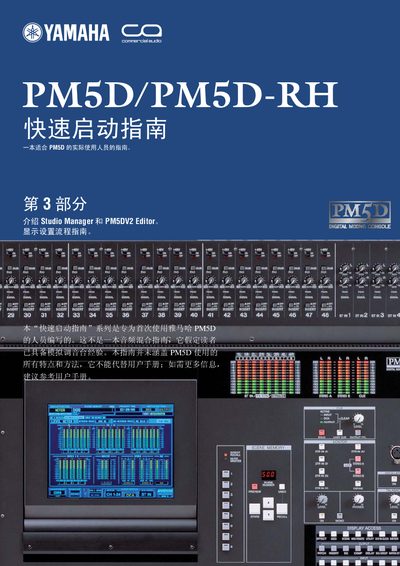
This guide introduces the Yamaha PM5D/PM5D‑RH digital mixing console and walks users through the initial setup, connection, and basic workflow. It explains the three main sections: an overview of connections and functions, storage and recall of scenes, and the use of Studio Manager and PM5DV2 Editor software.
The document also provides system requirements for the companion software, instructions for installing and configuring Studio Manager, and tips for remote control, scene linking, and merging multiple band sessions on a PC. This manual is written in Chinese.
| CPU requirement (Windows Vista) | 1.4 GHz or higher Core/Pentium/Celeron |
|---|---|
| Memory (RAM) | 1 GB or more (Windows Vista) / 512 MB or more (Windows XP) |
| Hard‑disk space | 30 MB or more |
Yamaha recommends using the latest firmware for the console and the latest versions of Studio Manager and PM5DV2 Editor.
No, the guide does not cover all features and methods of the PM5D and cannot replace the full user manual.