
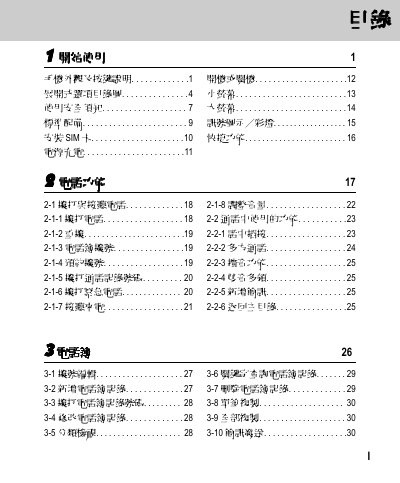
This document is a user manual for a certain mobile phone product. It mainly introduces the appearance and button description, safety precautions, standard accessories, SIM card installation, power charging, power on/off, small screen, large screen, signal icons/color lights, and quick functions.
The document explains how to use the OKWAP phone, describing the main menu layout, key functions such as volume adjustment and LED status indicators. It also lists the various software components like i‑Sync, i‑Manager and i‑Organizer that are included with the device.
Additional sections cover troubleshooting tips and basic maintenance, helping users to resolve common issues and keep the phone operating correctly. This manual is written in Chinese.
| Volume Buttons | Vol_Up / Vol_Down |
|---|
Press the Vol_Up or Vol_Down buttons to increase or decrease the volume.