
OKWAP Phone User Manual

This document introduces the features and characteristics of XXX product.

OKWAP Phone User Manual - cover page
Brand
OKWAP
Category
Cell Phones
Document type
User Manual
Language
English
Pages
120
File format
PDF
File size
2.4 MB
Published
05 April, 2012
Updated
01 October, 2023
MD5 checksum
AA095D427B9099FA4C61352196B14968

About this manual

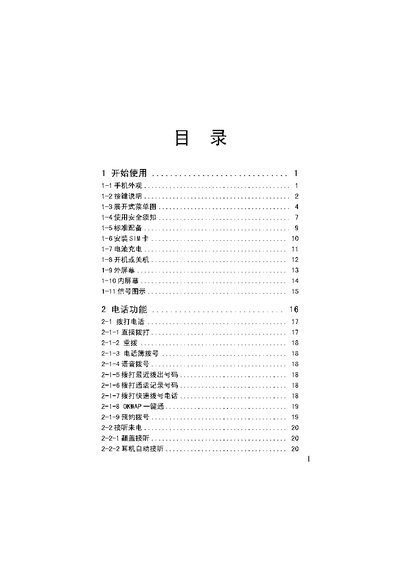
This manual covers safety information, proper handling, and charging procedures for the OKWAP phone. It explains how to install the SIM card, avoid short‑circuiting the battery, and protect the device from extreme temperatures.

The guide also describes the phone’s functions such as messaging, MMS management, camera operation, audio controls, calendar features, and system settings. Maintenance tips and warranty information are provided to help extend the phone’s service life.

What's inside

  • Safety Information
  • SIM Card Installation
  • Battery Charging and Care
  • Phone Functions Overview
  • Messaging and MMS Management
  • Camera Operation
  • Audio and Call Features
  • Date, Calendar and Planner
  • System Settings and Updates
  • Warranty and Maintenance

Frequently asked questions

How long should the battery be charged for the first time?

Charge the battery for at least ten minutes after the indicator appears.

Can the phone be used in high temperature environments?

Do not expose the phone to temperatures above 60 °C, as high heat can damage the device.

How do I install the SIM card?

Follow the SIM card installation section (1‑6) to insert the SIM correctly.

Download PDF (2.4 MB)

More OKWAP Manuals


View all OKWAP manuals →