
This document introduces the features and functions of the Philips Xenium W6600 mobile phone, including screen, camera, memory, battery, etc., and includes product pictures.
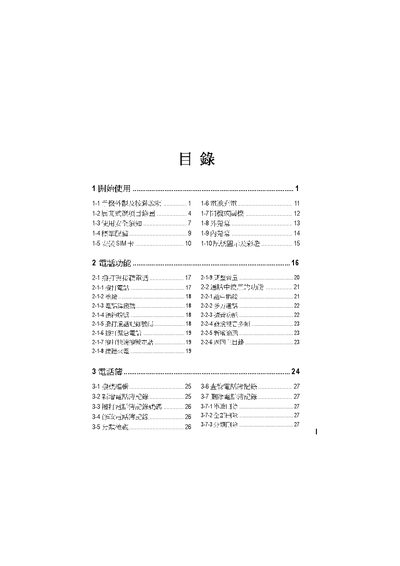
This manual covers the basic steps to start using the OKWAP phone, safety guidelines, and the main functions such as making calls, handling contacts, and using messaging services. It also explains how to configure settings, manage calendars, and use the built‑in assistant.
Additional sections describe camera operation, including selfie mode and focus adjustment, as well as maintenance advice for battery care, cleaning, and data backup to keep the phone running safely and reliably. This manual is written in Chinese.
Use the selfie function key to activate the front‑facing camera.
Regularly back up your data as recommended in the maintenance section.