
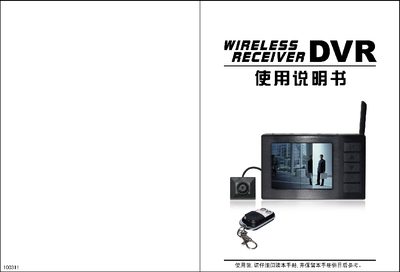
This manual explains how to install the DVR wireless receiver, insert and handle the MicroSD card, connect power and AV cables, and select video modes such as VGA and QVGA. It also describes the sleep and power‑on states, remote‑control functions, and how to format the memory.
The guide provides detailed instructions for playback, motion‑detect settings, and common fault troubleshooting, including steps to resolve no‑video display, power issues, and indicator‑light behavior. This manual is written in Chinese.
| Video resolution | VGA 640x480, QVGA 320x240 |
|---|---|
| Supported memory card | MicroSD up to 16 GB |
| DC output | 5 V / 1 A |
| Power consumption (recording) | 1.2 W |
| Dimensions | 85 mm × 54 mm × 17 mm |
| Operating temperature | 0 °C to 40 °C |
Check that the AV IN cable is correctly connected, ensure the source camera is powered on, and verify that the DVR is set to the correct video mode (NTSC or PAL) in the Setup menu.