
The SC 952 is a portable color scanner from Xerox that features automatic text recognition, allowing you to scan documents, photos, and handwritten notes and convert them into editable electronic documents.
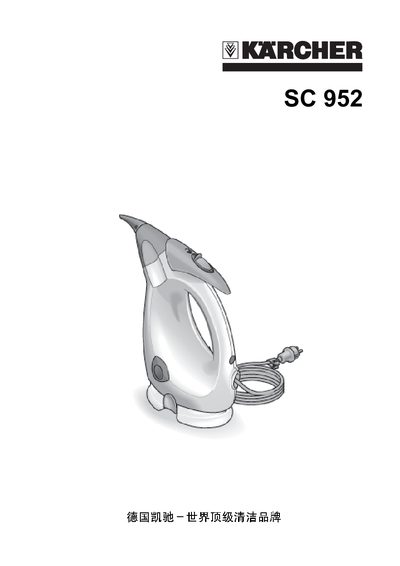
This manual introduces the Karcher SC 952 steam cleaner, describing its main components such as the steam nozzle, safety lock, water tank, and accessories. It explains how to safely unpack, install, and fill the water tank before first use.
Detailed sections cover safe operation, specific cleaning methods for various surfaces, routine maintenance, descaling procedures, and a troubleshooting guide for common issues like reduced steam flow or safety lock problems. This manual is written in Chinese.
| Water tank capacity | 0.25 L |
|---|---|
| Heat‑up time | 15 seconds |
The device needs about 15 seconds to heat up before it can start cleaning.
Fill the water tank with approximately 0.25 L of water.