
Product features:1.High precision, high stability, high reliability, low power consumption, strong anti-interference, support 0-10V, 4-20mA, 0-5V, RS485, Modbus-RTU, Modbus-TCP, Profibus DP, DeviceNet and other multiple signal input; 2.With 4 RS485 communication ports, multiple units can be connected in parallel to improve system reliability and meet the needs of different users; 3.Support multiple input channels and multiple output types; 4.Support free combination of I/O points and flexible configuration; 5.Support Modbus-RTU, Modbus-TCP, Profibus DP, DeviceNet and other protocols.
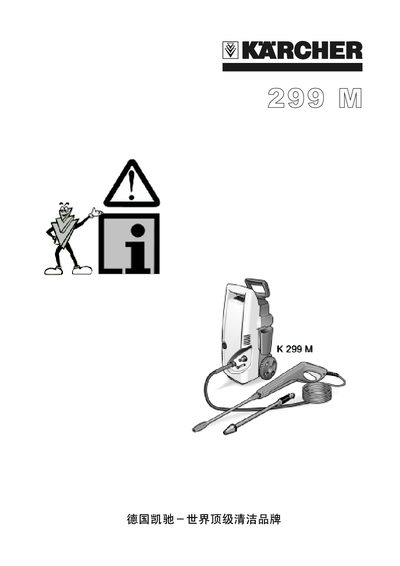
This manual explains how to unpack, assemble and prepare the K 299 high‑pressure cleaner for first use. It details the connections for power, water inlet, high‑pressure hose and spray gun, and shows the location of safety locks and control switches.
The guide also covers safe operating practices, cleaning of water and detergent filters, recommended accessories, technical specifications, and warranty information for the device. This manual is written in Chinese.
| Voltage | 230 V |
|---|---|
| Power | 1.3 kW |
| Safety Level / IP Rating | IPX5 |
| Maximum Inlet Water Temperature | 40 °C |
| Inlet Flow Rate | 8 L/h |
| Inlet Pressure | 12 bar |
| Operating Pressure | 85 bar |
| Maximum Pump Pressure | 100 bar |
| Water Flow (output) | 300 L/h |
| Noise Level (LPA) | 74 dB(A) |
| Noise Level (LWA) | 84 dB(A) |
| Dimensions (L×W×H) | 225 mm × 300 mm × 505 mm |
| Weight | 10 kg |
Connect the power cable to a suitable outlet, ensure the voltage matches the nameplate, and turn the main switch to the ON position.