
The document describes the usage of CFX Manager software, including data viewing, data analysis options, and chart options.
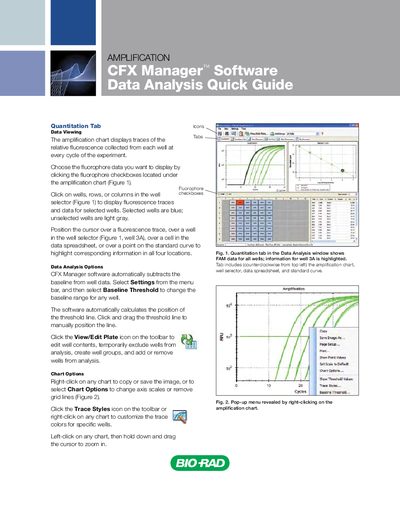
The guide walks users through the Data Analysis window of CFX Manager, describing how to view fluorescence traces, select fluorophores, and interact with the amplification chart. It explains baseline subtraction, threshold adjustment, and chart customization options.
It also covers well‑group handling, sorting and exporting data from the Quantitation Data tab, and creating printable or PDF reports with selectable content. The instructions are illustrated with figures and step‑by‑step actions.
Select Settings from the menu bar, then choose Baseline Threshold to adjust the baseline range.
Right‑click on the spreadsheet and select a format to export the data as text, XML, or Microsoft Excel.