
This is a document about AMPLIFICATION CFX Manager™ Software Protocol Quick Guide, which includes Protocol tab, Protocol Editor, Insert Step, Delete Step, etc.
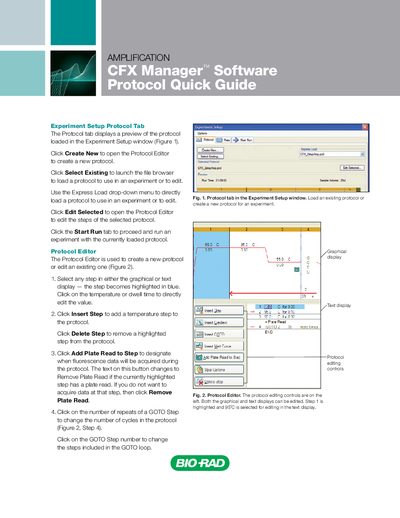
The guide explains the Protocol tab in the Experiment Setup window, where you can load, create, or edit a protocol before running an experiment. It shows how to use the Create New, Select Existing, Express Load, and Start Run functions.
The Protocol Editor lets you edit steps graphically or as text, add temperature or dwell‑time values, insert plate reads, GOTO loops, gradient steps, and melt‑curve steps. The gradient range calculator and melt‑curve controls let you set temperature ranges and data‑acquisition intervals.
Click Create New to open the Protocol Editor.
Click Add Plate Read to Step.
Click Insert Melt Curve in the protocol editing controls.