
S4M Industrial / Commercial Printer User Guide, introduces the features and characteristics of the printer
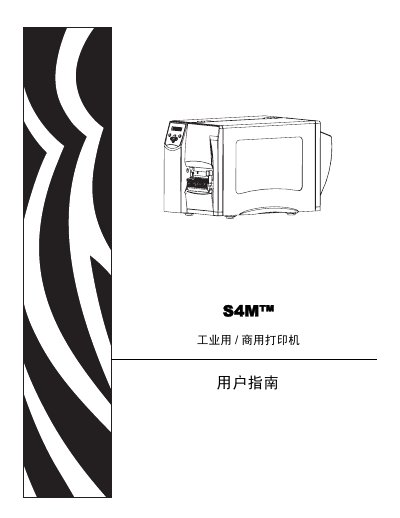
This user guide is intended for operators and service personnel who install, use, or service the S4M industrial/commercial printer. It provides step‑by‑step instructions, safety information, and reference data.
The manual includes sections on unpacking, installation, configuration, routine maintenance, troubleshooting, and detailed specifications of the printer and its consumables. This manual is written in Chinese.
Unpack the printer and inspect it as described in the manual.
Follow the cleaning procedure to clean the print head and rollers.
Connect the printer to the power source according to the wiring instructions.