
This is an operation manual for the Sony DPP-FP30 digital photo printer, which contains the content of Before starting, preparation, printing from PictBridge camera, printing from computer, troubleshooting and additional information.
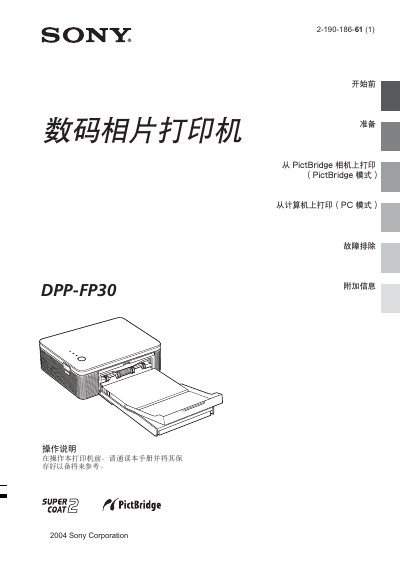
This manual explains the two operating modes of the DPP-FP30: PictBridge mode for direct printing from compatible digital cameras, and PC mode for printing from a computer using the supplied software. It guides you through connecting the printer, selecting paper size, and adjusting image settings such as red‑eye reduction and Exif‑based corrections.
The preparation section lists required accessories, safety warnings, and steps for loading the optional photo paper packs. Additional chapters cover software installation, driver setup, troubleshooting common issues like paper jams, and a glossary of terms. This manual is written in Chinese.
Connect a PictBridge‑compatible camera to the printer and select PictBridge mode to print images without a computer.
The printer accepts 4×6" (10×15 cm) and 3.5×5" (9×13 cm) photo paper.
Each pack contains 20 sheets; using two packs provides up to 40 prints.