
This document introduces the usage of Galaxy S22 Ultra phone, including how to use SIM card, battery, safety and usage notes, etc.
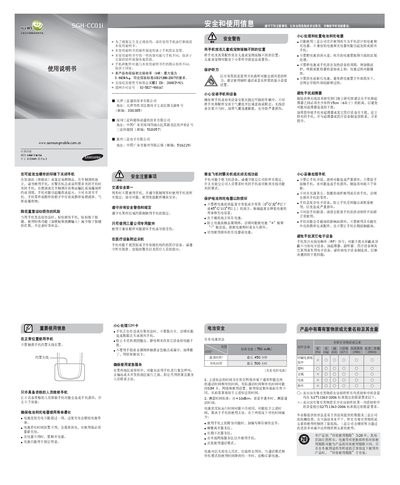
This manual covers safety and usage information for the Samsung SGH-CC01i mobile phone, including warnings about explosive environments, proper handling of the battery and charger, and precautions when using the device near medical equipment or while driving. It also details the phone’s hardware layout, SIM‑card and battery installation, and basic operation of keys and menus.
Additional sections explain how to make and receive calls, send short messages, manage contacts, adjust volume, use the alarm clock, enable phone tracking, and charge the battery safely. The document includes specifications such as SAR value, battery capacity, and maximum standby time. This manual is written in Chinese.
| SAR (Maximum) | 0.692 W/kg |
|---|---|
| Battery Capacity | 750 mAh |
| Maximum Standby Time | 500 hours |
Do not store the battery at temperatures below 0 °C/32 °F or above 45 °C/113 °F.
Turn off the phone or switch to airplane mode during flight.
Open the back cover, insert the SIM card, then replace the cover.