
This document is an operation manual for the Sharp FO-P600 fax machine. It introduces the features and functions of the fax machine as well as how to use it.
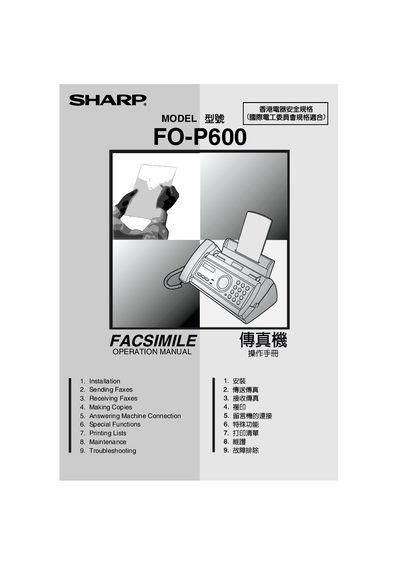
This manual covers everything you need to set up and use the Sharp FO-P600 facsimile, including installation steps, sending and receiving faxes, making copies, connecting an answering machine, and special functions such as Caller ID and duplex ringing. Safety guidelines and troubleshooting tips are also included.
Technical specifications such as memory size, modem speed, power consumption, dimensions, and operating environment are listed, helping you understand the capabilities and requirements of the device.
| Memory size | 448 KB (≈24 average pages) |
|---|---|
| Modem speed | 9,600 bps with automatic fallback |
| Transmission time | Approx. 15 seconds |
| Paper tray capacity | 10 pages max (A4, 80 g/m²) |
| Standby power consumption | 2.5 W |
| Maximum power consumption | 110 W |
| Dimensions (W × D × H) | 327 mm × 193 mm × 163 mm |
| Weight | Approx. 2.8 kg |
| Relative humidity | 25 % – 85 % RH |
It must be connected to a 220‑240 V, 50/60 Hz earthed (3‑prong) outlet.
The paper tray can hold up to 10 A4 pages of 80 g/m² paper.
Standby power consumption is 2.5 W.
Press the RESOLUTION/RECEPTION MODE key while a document is in the feeder to select the desired resolution.