
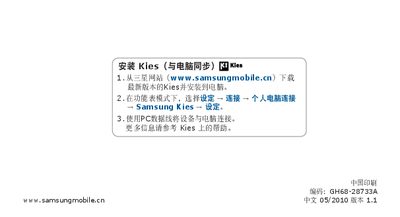
This document provides installation steps for Samsung mobile phones and a user manual, including instructions on installing Kies software for PC synchronization and understanding the features and characteristics of the phone.
This manual covers the Samsung Wave GT‑S8500 mobile phone, detailing its core functions such as the Samsung Kies synchronization software, Bluetooth connectivity, Java applications, and multimedia playback capabilities. It also includes information on supported services like DivX video, Windows Media Player, AllShare, and WLAN features.
Additional sections describe the use of Samsung Apps, the device’s hardware buttons, and general troubleshooting tips to help users get the most out of their phone. This manual is written in Chinese.
You need Samsung Kies to connect and synchronize the phone with a computer.