
This document is the operating instructions for the Sony HZ-DS2000 Portable Hard Disk Player, which details the features and functionality of the product.
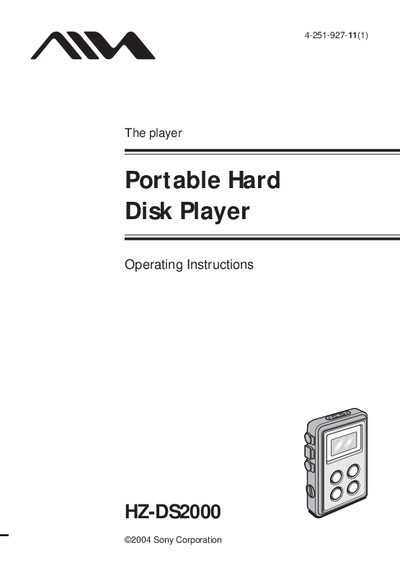
The Sony HZ-DS2000 is a portable hard disk player designed to play MP3 files sent from a personal computer using the supplied software and dedicated USB cable. It features a water-resistant construction and an internal hard disk capable of storing up to 375 audio files. The player connects to a computer via USB and includes functions for charging, basic playback, equalizer settings, and power management.
| Battery duration | Approximately 8 hours (fully charged) |
|---|---|
| Audio file capacity | Up to 375 audio files |
| Continuous playback time | Approximately 8 hours of continuous playback on a full battery charge |
First connect the AC power adaptor to the DC IN 5.2V jack on the player, and then connect to a wall outlet. It usually takes about 1.5 hours to charge the completely drained battery to 80 percent capacity, and about 1.5 more hours to fully charge the battery.
The player may become hot while sending music files to the player which is connected to a wall outlet by the AC power adaptor, or while the player is being charged, but this is not a malfunction.