
This document provides installation instructions and usage guide for the Genius Look 315FS, including driver installation, connection methods, and operating instructions.
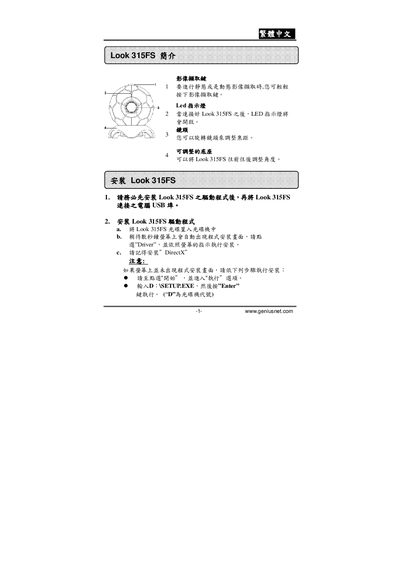
This manual explains how to connect the Look 315FS, install the required drivers on Windows and macOS, and configure basic settings such as LED indicators and angle adjustment. It also covers uninstall procedures and troubleshooting tips.
Additional sections describe image resolution options, how to capture and export images, and printing settings. The guide includes step‑by‑step instructions with screenshots and notes for safe operation. This manual is written in Chinese.
| Supported image resolution | 320 × 220 |
|---|
The manual lists a resolution of 320 × 220 pixels as an available setting.