
Key facts
- Manuals
- 2
- Languages
- ZH
- Last added
- 2012-03-26
Featured Look manuals
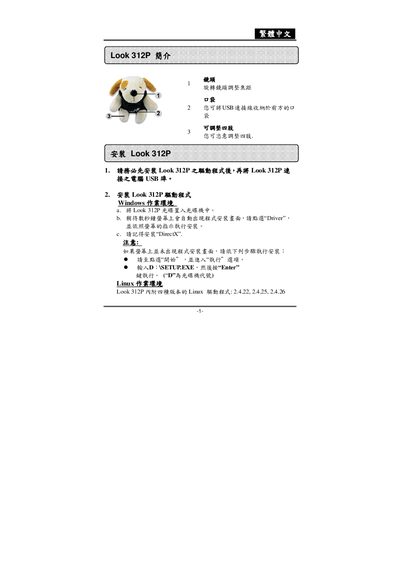
Look 312P User Manual
This manual explains how to install the Look 312P driver on both Windows and Linux systems, including required software such as DirectX and selecting the appropriate Linux kernel version. It also describes the basic operation of the device, covering preview mode, image parameter adjustments, and safety monitoring features.
Additional sections cover image capture functions, resolution settings, and instructions for printing photos or saving them as JPEG/PCF files. The guide includes troubleshooting tips and details on removing the driver if needed. This manual is written in Chinese.
Covers: Introduction · Windows driver installation · Linux driver installation · Genius application usage · Preview mode and image adjustment · Dynamic video capture
Latest Look manuals
Look 315FS Manual
This document provides installation instructions and usage guide for the Genius Look 315FS, including driver installation, connection methods, and operating instructions.
Look 312P User Manual
User Manual 18 pages · 936 KB · ZHThe Look 312P user manual provides installation steps, driver setup, and usage instructions for the webcam device.
Which document do I need?
User Manual
Day-to-day operation, settings and troubleshooting. Start here if the product is already set up.
Questions answered in Look manuals
How do I print multiple copies of a photo using Look 312P software?
Select the photo in the template, click the [+] button to duplicate it as many times as needed, then proceed to print.
From: Look 312P User Manual