
Look 312P is a network camera launched by Genius. It supports Windows and Linux operating systems. It can take pictures, record videos and do security monitoring through software.
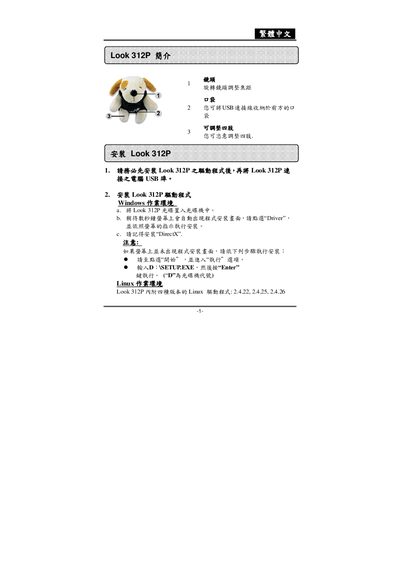
This manual explains how to install the Look 312P driver on both Windows and Linux systems, including required software such as DirectX and selecting the appropriate Linux kernel version. It also describes the basic operation of the device, covering preview mode, image parameter adjustments, and safety monitoring features.
Additional sections cover image capture functions, resolution settings, and instructions for printing photos or saving them as JPEG/PCF files. The guide includes troubleshooting tips and details on removing the driver if needed. This manual is written in Chinese.
| Supported Windows driver | Driver program on CD (install via setup wizard) |
|---|
Select the photo in the template, click the [+] button to duplicate it as many times as needed, then proceed to print.