
AD521 is a second generation, low cost, monolithic IC instrUmentation amplifier developed by Analog Devices.
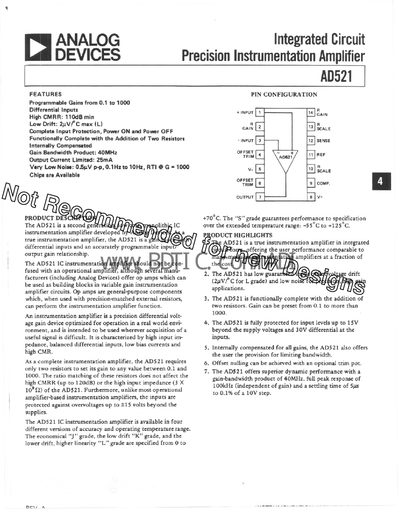
The AD521 is a true instrumentation amplifier that provides programmable gains from 0.1 to 1000 using only two external resistors. It offers high input impedance, low drift (2 µV/°C max) and a high common‑mode rejection ratio (110 dB min). The device is internally compensated and includes optional offset‑null trim.
Key features include a 40 MHz gain‑bandwidth product, 25 mA output‑current limit, very low noise (0.5 µV p‑p from 0.1 Hz to 10 Hz), and protection for input voltages up to ±15 V beyond the supply rails. The AD521 is available in several accuracy and temperature‑range grades (J, K, L, and S).
| Gain range | 0.1 to 1000 |
|---|---|
| Gain‑bandwidth product | 40 MHz |
| Output current limit | 25 mA |
| Noise (0.1 Hz‑10 Hz) | 0.5 µV p‑p |
| CMRR | 110 dB min |
| Low drift | 2 µV/°C max |
| Supply voltage range | 5 V to 15 V |
The AD521 can be programmed for gains from 0.1 up to 1000.
Offset nulling can be achieved with an optional trim pot.
The device tolerates up to 30 V differential input when powered from ±15 V supplies.
The AD521 operates from 5 V up to 15 V supply voltage.