
This manual introduces the features and usage methods of GIGABYTE notebook, including battery installation, power connection, boot and operating system configuration, etc.
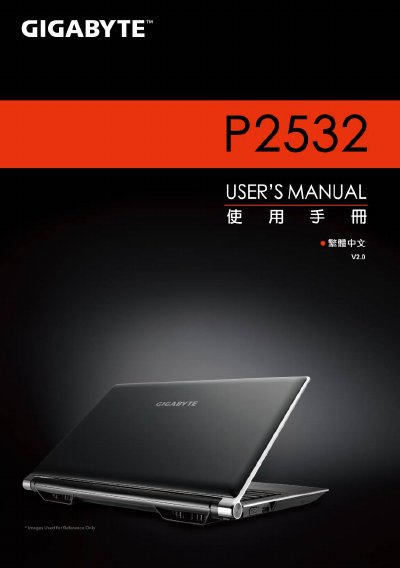
This manual provides step‑by‑step instructions for setting up and using the Gigabyte P2532 notebook, covering everything from battery insertion to operating system configuration. It also includes safety notes and warranty information.
Key sections cover battery installation, power connection, port overview, hot‑key shortcuts, 3D Vision depth adjustment, and Gigabyte utilities such as Smart Manager, Smart Switch, Smart Recovery, and Smart Setup. The specifications page lists the hardware components and dimensions of the laptop. This manual is written in Chinese.
| Processor | Intel Core i7 |
|---|---|
| Operating System | Microsoft Windows 7 compatible |
| Display | 15.6" Full HD (1920×1080) LCD |
| Memory | DDRIII SO‑DIMM, up to 8 GB (2 × 4 GB) |
| Graphics | NVIDIA GeForce GT550M 2 GB |
| Battery | Li‑ion 6‑cell, 5200 mAh |
| Dimensions | 392 mm × 263 mm × 27.6‑35.1 mm |
| Weight | ≈2.6 kg (including battery) |
Align the battery with the slot, insert it, rotate until you hear a click, then push the lock lever to the LOCK position.
Open the Gigabyte Smart Switch utility and use the toggle to select either the 64‑bit or 32‑bit mode, then confirm to restart the system.