
This is the user manual of Gigabyte laptop, introduces the basic functions and use methods of laptop
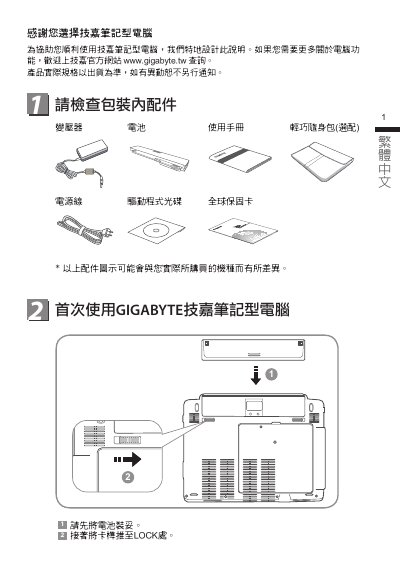
This user manual guides you through the first‑time setup of the Gigabyte T1132 laptop, including checking accessories, connecting power, and navigating the hardware layout. It also describes the function‑key shortcuts and the pre‑installed Gigabyte utilities such as Smart Manager, Smart Switch and Smart Recovery.
The document provides detailed hardware specifications, describes how to use the built‑in wireless, Bluetooth, 3.5 G module, and explains how to switch between 32‑bit and 64‑bit Windows versions. Safety, warranty and support information are also included. This manual is written in Chinese.