
This is a user manual for Raon Digital Vega.
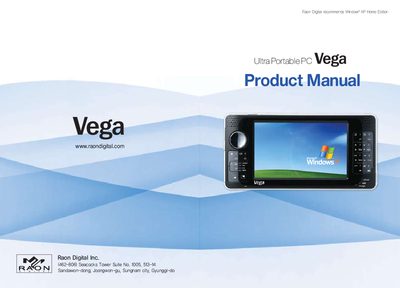
This manual covers safety precautions, component descriptions, and key functions of the Vega Ultra Portable PC, including the front‑view keys, shortcut keys, and virtual keyboard. It also explains video settings, battery management, BIOS restoration, and how to use the device as a USB storage drive.
The document includes system specifications such as processor, memory, display, and physical dimensions, as well as instructions for installing Windows, display adapters, and the Vega Utility program that monitors battery status and audio controls.
| Display | 4.3" 800x480 16M color LCD |
|---|---|
| Dimensions (standard battery) | 160 x 80 x 27.5 mm |
| Battery life | approximately 6 hours |
| Main memory | DDR400 / PC3200 256 MB / 512 MB |
| Processor | AMD CS5536 |
Use the LCD brightness control option in the menu to increase or decrease the display brightness.
Touch the screen with the supplied touch pen and press the displayed keys; the virtual keyboard works like a regular keyboard.