
This manual describes how to use the EasyShot camera.
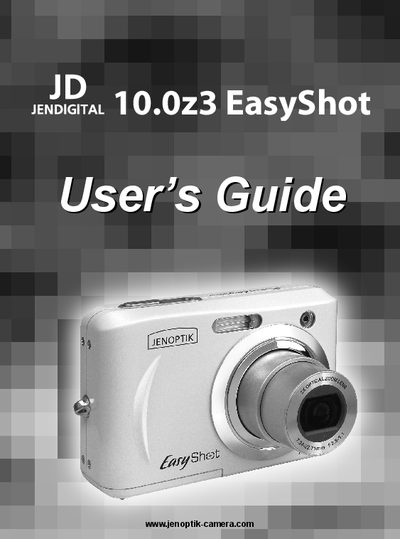
This guide covers everything you need to start using the EasyShot camera, from standard accessories and battery installation to inserting a memory card, basic operations such as turning the power on/off, recording still images, movies, voice memos, and navigating the various menus and settings.
It also includes advanced settings, software installation, troubleshooting tips, safety warnings, regulatory compliance information (FCC, CE) and proper disposal instructions for the equipment and batteries.
Slide the battery cover open, insert two AA‑size alkaline batteries with the correct polarity, and close the cover.
Press and hold the POWER button to turn the camera on, and press the POWER button again to turn it off.
Make sure the camera is off, slide the battery cover, insert the SD card into the slot as shown, then close the cover.