
This manual is the user guide for 3 Megapixels Digital Camera C 3.0C, which describes the functions and features of the camera in detail.
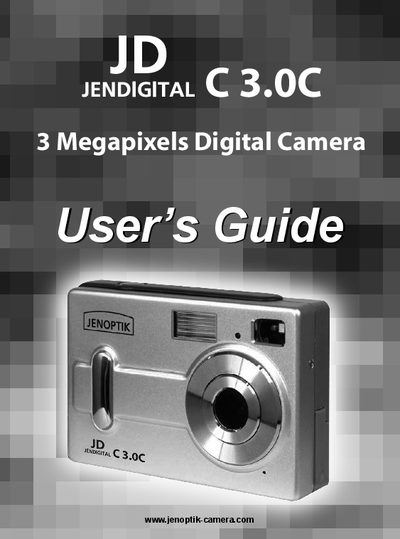
This guide introduces the JENDIGITAL C 3.0C digital camera, covering package contents, system requirements, and an overview of the camera’s controls and indicators. It walks you through loading batteries, inserting an SD card, powering the device on and off, and using the LCD display.
Further sections detail how to capture photos and video, customize settings such as flash, white balance, and auto power‑off, review and manage files, connect the camera to a PC, and use it as a web camera. An appendix provides troubleshooting, specifications, safety tips, and regulatory information.
| Resolution | 3 Megapixels |
|---|---|
| LCD size | 1.4" |
| Battery type | 3 x AAA alkaline or rechargeable |
| Memory card | Secure Digital (SD) card |
It uses three AAA alkaline or rechargeable batteries.
Press the LCD On/Off button to toggle the display off.