
This manual is the instruction manual for a certain brand and model of digital camera, which mainly introduces the names of the various parts of the product, the installation of batteries, charging, inserting memory cards, turning on and off the power, setting the system language, setting time, operating screen icons, recording dynamic images, taking pictures, recording audio, recording TV programs, browsing functions, playing videos recorded in the computer, connecting the camera to the TV output and other content.
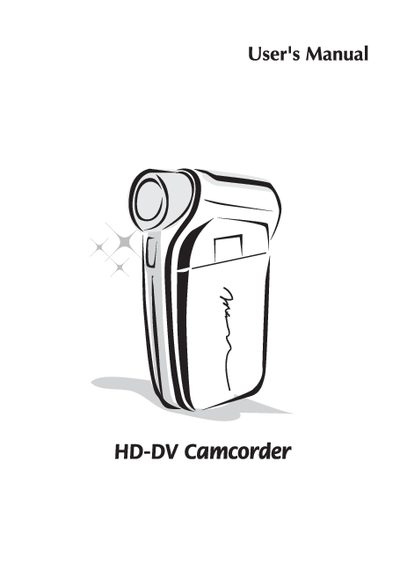
This user manual covers essential safety precautions, battery charging procedures, and proper handling of accessories for the HD‑DV camcorder. It also explains how to install memory cards, connect USB interfaces, and select video resolution settings.
Additional sections describe system configuration steps, menu navigation, and troubleshooting tips to help users operate the camcorder effectively in various environments. This manual is written in Chinese.
| Memory Card Type | SD/MMC |
|---|---|
| Interface | USB |
The camcorder supports SD and MMC memory cards.