
FCC Compliance Statement: This device complies with Part 15 of the FCC Rules. Operation is subjected to the following two conditions: (1) this device may not cause harmful interference, and (2) this device must accept any interference received, including interference that may cause undesired operation. This equipment has been tested and found to comply with limits for a Class B digital device, pursuant to Part 15 of the FCC rules. These limits are designed to provide reasonable protection against harmful interference in residential installations. This equipment generates, uses, and can radiate radio frequency energy, and if not installed and used in accordance with the instructions, may cause harmful interference to radio communications. However, there is no guarantee that interference will not occur in a particular installation. If this equipment does cause interference to radio or television equipment reception, which can be determined by turning the equipment off and on, the user is encouraged to try to correct the interference by one or more of the following measures: -Reorient or relocate the receiving antenna. -Move the equipment away from the receiver. -Plug the equipment into an outlet on a circuit different from that to which the receiver is connected. -Consult the dealer or an experienced radio/television technician for additional suggestions. You are cautioned that any change or modifications to the equipment not expressly approved by the party responsible for comp.
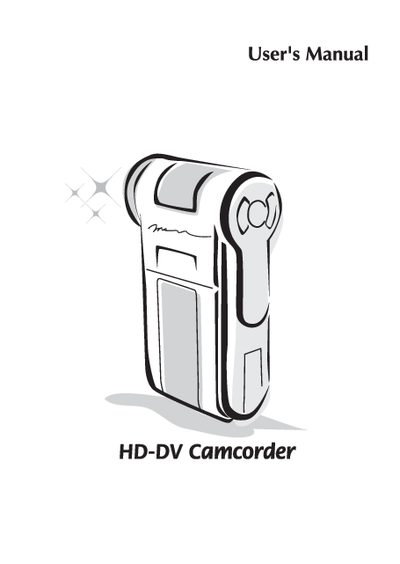
This manual begins with safety notices and basic setup, including battery installation, charging, and memory‑card insertion. It explains how to power the camcorder on and off, select language and time settings, and interpret the LCD indicators.
Later sections cover basic operations such as recording video, taking still pictures, and playing back recordings, as well as advanced functions, menu navigation, and connection options for TV or PC. An appendix lists optional software tools.
Slide the battery cover open, place the Li‑ion battery into the compartment with contacts aligned, and replace the cover.
Charge the battery for at least 8 hours the first time you use it.
Open the battery cover, gently push the card until it reaches the bottom of the slot, then release it to lock in place.