
Key facts
- Manuals
- 4
- Languages
- EN · ZH
- Last added
- 2012-03-23
Featured HD-DV manuals
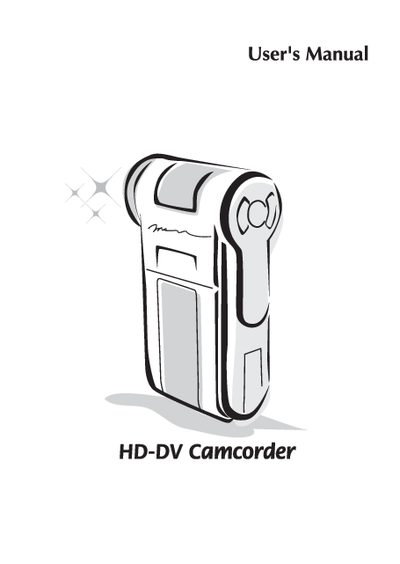
HD-DV Camcorder User Manual
This manual begins with safety notices and basic setup, including battery installation, charging, and memory‑card insertion. It explains how to power the camcorder on and off, select language and time settings, and interpret the LCD indicators.
Later sections cover basic operations such as recording video, taking still pictures, and playing back recordings, as well as advanced functions, menu navigation, and connection options for TV or PC. An appendix lists optional software tools.
Covers: Getting Started · Battery Installation and Charging · Memory Card Installation · Power and Language Settings · LCD Indicators · Basic Operations
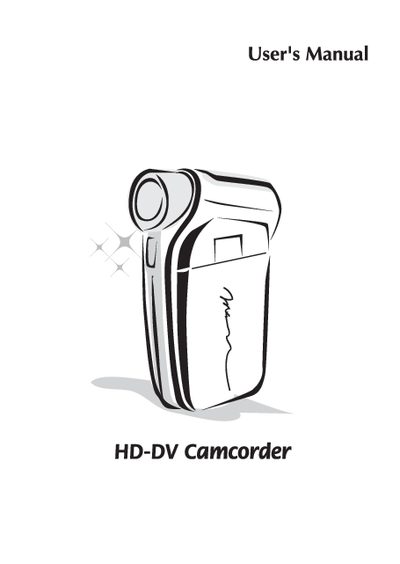
HD-DV Camcorder User Manual
The manual begins with safety precautions, warning users to avoid high temperature, improper battery use, and to follow the FCC Class B regulations. It also explains battery handling, charging procedures, and the importance of removing the battery when the device is not in use.
Further sections describe how to insert and format memory cards, connect the camcorder via USB, select camera modes (720P HD and 480P D1), and adjust various settings. The guide includes step‑by‑step instructions for operating the device and troubleshooting common issues. This manual is written in Chinese.
Covers: Safety Precautions · Battery Charging · Memory Card Insertion · Camera Modes · USB Connection · Operation Instructions
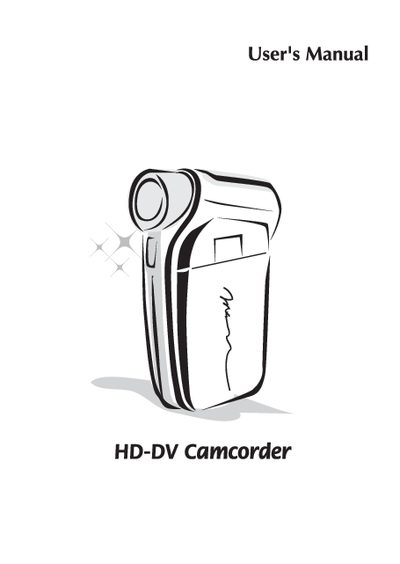
HD-DV Camcorder User Manual
The manual begins with safety precautions, warning users about proper handling, temperature limits, and battery safety. It explains battery installation, charging procedures, and LED indicators for charging status.\n\nLater sections describe how to insert memory cards, connect the USB cable, and select video modes such as 720P and 480P. Basic operation steps and menu navigation are also covered. This manual is written in Chinese.
Covers: Safety Precautions · Battery Installation · Charging Procedure · LED Indicators · Memory Card (SD/MMC) · USB Connection
Latest HD-DV manuals
HD-DV Camcorder User's Manual(1)
This manual is the instruction manual for a certain brand and model of digital camera, which mainly introduces the names of the various parts of the product, the installation of batteries, charging, inserting memory cards, turning on and off the power, setting the system language, setting time, operating screen icons, recording dynamic images, taking pictures, recording audio, recording TV programs, browsing functions, playing videos recorded in the computer, connecting the camera to the TV output and other content.
HD-DV Camcorder User Manual
User Manual 352 pages · 19.5 MB · ENThe HD-DV Camcorder User Manual provides safety guidelines, setup steps, and operating instructions for the camcorder.
HD-DV Camcorder User Manual
User Manual 26 pages · 19.5 MB · ZHThis user manual provides operating instructions and safety information for the HD-DV camcorder.
HD-DV Camcorder User Manual
User Manual 26 pages · 19.5 MB · ZHThis user manual provides operating instructions, safety warnings, and battery and storage information for the HD-DV camcorder.
Which document do I need?
User Manual
Day-to-day operation, settings and troubleshooting. Start here if the product is already set up.
Questions answered in HD-DV manuals
How do I install the battery?
Slide the battery cover open, place the Li‑ion battery into the compartment with contacts aligned, and replace the cover.
How long should I charge the battery for first use?
Charge the battery for at least 8 hours the first time you use it.
How do I insert a memory card?
Insert an SD/MMC card into the designated memory card slot.
How long should I charge the battery before first use?
Charge the battery for a few hours the first time you use it.