
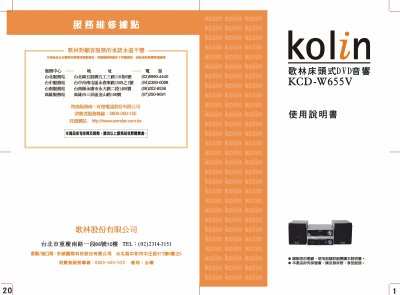
This manual covers everything you need to get the Kolin KCD‑W655V DVD player up and running, from connecting the unit to a TV or audio system to configuring video and audio settings. It also explains how to use the remote control, navigate menus, and adjust playback options such as subtitles, language, and repeat modes.
In addition to basic operation, the guide includes safety precautions, service center information, and detailed troubleshooting steps for common issues like power problems, remote‑control lock, and disc‑reading errors. Password reset and factory‑default procedures are also provided. This manual is written in Chinese.
| Supported disc formats | CD, CD‑R, CD‑RW, DVD‑ROM, DVD, VCD, SVCD, MP3 |
|---|---|
| Video standards | NTSC, PAL, YUV component, 720P/1080i |
| Audio output options | SPDIF (on/off), PCM, HDCD |
| Power input | 110 V / 60 Hz |
Make sure the power plug is firmly inserted into the outlet.
Enter the old password (default 137900), then enter a new six‑digit password twice and confirm with the OK key.