
This document introduces the features and characteristics of xxxx products.
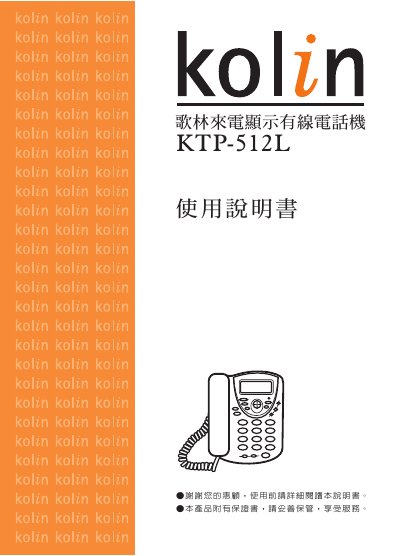
This manual covers the features of the KTP-512L wired telephone, including caller ID service notes, appearance, and all button functions. It guides users through installation, battery insertion, line connection, and initial configuration such as time, area code, and dialing method.
Further sections describe detailed phone functions (answering, dialing, hold, redial, alarm, calculator), technical specifications, power usage guidelines, emergency handling, simple maintenance, and a troubleshooting guide for common issues like missing caller ID or no dial tone. This manual is written in Chinese.
| Dialing system | DTMF |
|---|---|
| DTMF high‑frequency group | 1209/1336/1477 Hz |
| DTMF low‑frequency group | 697/770/852/941 Hz |
| DTMF frequency error | ±1.5 % |
Enter standby mode, press the Settings key, then press the Up/Down key twice to access the local area code setting, and use the Up/Down keys to input the two‑digit code before confirming.
Check that the battery is correctly installed and has sufficient charge, verify the line and handset connections, ensure the local area code is set, and confirm that the telephone exchange provides caller ID service.
In standby mode press the Settings key, then press the Up/Down key to enter the alarm time setting, adjust hour and minute with the Up/Down keys, and confirm to activate the alarm.
Open the battery cover at the bottom of the handset, insert two new size‑3 batteries with correct polarity, then re‑attach the line connector before resetting the time.