
This manual provides guidance for users on how to install, configure, and manage “Huawei CloudStack”.
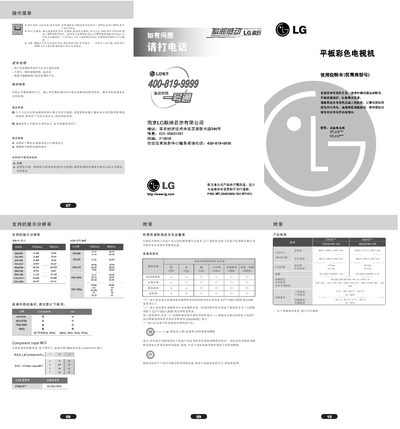
The guide covers safety precautions, installation steps, and connection methods for external devices such as HDMI, Component, USB, and antenna inputs. It also includes information on proper disposal, environmental compliance, and recommended wall‑mount installation using VESA‑compatible brackets.
Detailed operating instructions describe the on‑screen menu, picture and sound settings, timer functions, Simplink control, and how to clean the screen and maintain the unit for long‑term reliability. This manual is written in Chinese.
| Power Supply | 100‑240 V ~ 50/60 Hz, 1.8 A |
|---|---|
| Dimensions (W×H×D) | 922.0 mm × 595.0 mm × 88.0 mm |
| Supported Video Resolutions | Up to 1920 × 1080i |
Use a soft, lint‑free cloth dampened with water and a small amount of mild detergent, then dry the screen before turning the TV on.
Yes, use a VESA‑compatible wall‑mount and have it installed by a professional; the mount must support the TV’s weight.
Connect the HDMI cable from the source to the TV’s HDMI IN port.
Select the sleep timer option in the menu; the TV will switch to standby after the specified time.