
The content of the file is a PDF document, and the specific content cannot be parsed.
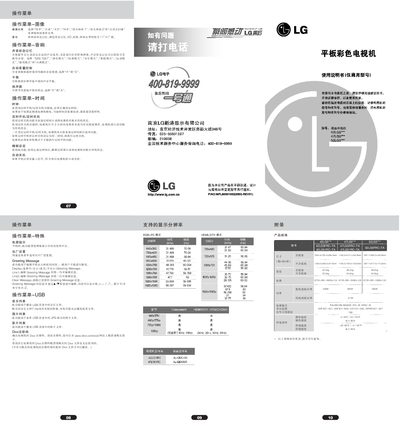
This manual provides step‑by‑step instructions for operating LG 42LG5/47LG5/52LG5 televisions. It explains how to adjust picture ratios, configure sound settings, use the timer and sleep functions, and navigate the on‑screen menus.
Installation guidance includes safety clearances, wall‑mount and tabletop setup, and how to attach the optional stand. Remote control operation, channel programming, and advanced picture‑enhancement features such as XD technology are also described. This manual is written in Chinese.
| Dimensions (with stand) | 1034.0 × 735.0 × 294.0 mm |
|---|---|
| Dimensions (without stand) | 1156.2 × 813.1 × 342.9 mm |
| Weight (with stand) | 24.5 kg |
| Power Supply | 100‑240 V AC, 50/60 Hz |
Use the timer function in the menu to specify the time; the TV will switch to standby automatically at the set time.
Open the picture menu and select the desired ratio such as 16:9, 4:3, 14:9, or custom zoom options.
Leave at least 10 cm of space on all sides of the TV for proper ventilation.