
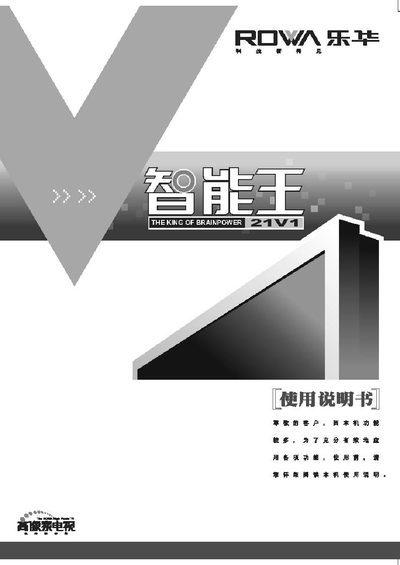
The Lehua 21V1 is a remote control designed for TV and set‑top box operation, offering channel selection, volume adjustment, program navigation, and a standby memory function. It works with a power supply of 165‑250 V and includes a built‑in RF antenna for signal reception.
The manual covers button functions, battery installation, power switching, channel searching, and troubleshooting steps such as fault checking and interference removal. It also lists technical specifications, safety precautions, and warranty information. This manual is written in Chinese.
| Power supply range | 165 V‑250 V |
|---|---|
| Operating voltage | 165 V‑250 V, 50 Hz |
| Dimensions | 609 mm × 500 mm × 456 mm |
| Audio output power | 0.5 W + 45 W RMS |
| Video output | 1 V p‑p 750 |
| Receive channels | DS1‑67 CH |
| RF antenna input | 75 MHz |
| Battery type | 2 × 1.5 V AA |
Open the battery compartment, insert two 1.5 V AA batteries with the correct polarity, and close the cover.
Press the “音量增” key to increase volume, check the audio output settings, and ensure the audio cable is properly connected.
Replace the batteries, verify the power switch is on, and check that the power cable is securely connected.