
Key facts
- Brand
- ROWA
- Model
- 21V1
- Category
- Other device
- Documents
- 9
- Languages
- ZH
- Last added
- 2012-03-22
Start here
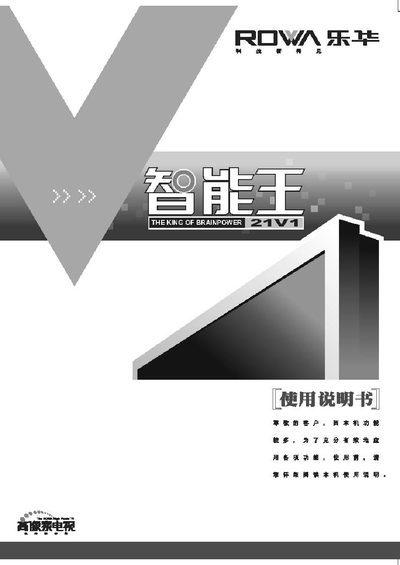
Lehua 21V1 Remote Control User Manual
The Lehua 21V1 is a remote control designed for TV and set‑top box operation, offering channel selection, volume adjustment, program navigation, and a standby memory function. It works with a power supply of 165‑250 V and includes a built‑in RF antenna for signal reception.
The manual covers button functions, battery installation, power switching, channel searching, and troubleshooting steps such as fault checking and interference removal. It also lists technical specifications, safety precautions, and warranty information. This manual is written in Chinese.
ROWA 21V1 specifications
| Input Voltage | 110‑250 V, 50 Hz |
|---|---|
| Power Consumption (standby) | < 1 W |
| Audio Output Power | 2 W (L) + 2 W (R) |
| Screen Diagonal | ≈2 ft (≈61 cm) |
All ROWA 21V1 documents by type
Day-to-day operation, settings and troubleshooting. Start here if the product is already set up.
- ROWA Television 21E5/N21E5/21V10/N21V10/N14E01/21E6/N21E6/21V11/N21V11/21E8/N21E8/21V15/N21V15/21E9/N21E9/21V19/N21V19 color Television Manual 2 p
- ROWA 21V16 User Manual 11 p
- Lehua HD21V16SP Television User Manual 14 p
- Lehua 21V1 Remote Control User Manual 18 p
- ROWA 21V12S Touch Television User Manual 11 p
- TCL HD21V18SB CRT Television User Manual 15 p
- TCL HD21V18SP Television User Manual 14 p
- TCL HD21V19SP Television User Manual 13 p
- TCL HD21V18SB / HD25V18PD Television User Manual 14 p
Questions answered in these manuals
How can I set the correct time on the TV?
Enter the main menu, select the time setting option, and use the volume or OK keys to adjust hour, minute and date.
What does the TV do when there is no signal?
The TV will display a noise reduction screen and attempt to auto‑search for a signal.
How can I perform an automatic channel search?
Select the “自动搜索” (automatic search) option; the TV will scan all available channels starting from channel 1 and store them automatically.
From: ROWA 21V16 User Manual
What should I do if the picture is too dark or the contrast is low?
Adjust the brightness and contrast using the corresponding controls in the picture adjustment menu.
From: ROWA 21V16 User Manual
How do I replace the batteries in the remote control?
Open the battery compartment, insert two 1.5 V AA batteries with the correct polarity, and close the cover.
What should I do if there is no sound?
Press the “音量增” key to increase volume, check the audio output settings, and ensure the audio cable is properly connected.