
This is a user manual that introduces how to use DNIeTM (Digital Natural Image engine) function
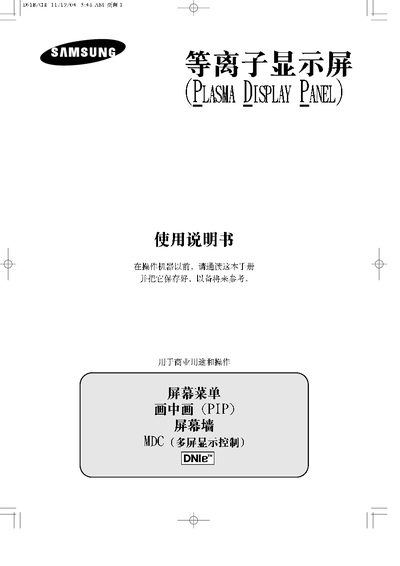
This manual explains how to safely install, configure, and use Samsung plasma display screens. It covers safety precautions, menu navigation, multi‑screen control, and connection methods for video and audio sources.
Technical specifications such as screen size, resolution, power consumption, and dimensions are listed, along with troubleshooting tips and warranty information. This manual is written in Chinese.
| Screen Aspect Ratio | 16:9 |
|---|---|
| Active Pixel Resolution | 852 x 480 |
| Color System | PAL, SECAM, NTSC |
| Audio Output | Stereo, 1 V + 1 V |
| Power Consumption | 380 W |
| Maximum Power | 500 W |
| Dimensions (W×D×H) | 1027 mm × 79 mm × 30.5 mm |
| Weight | 31 kg |
Static images should be limited to no more than 5 % of the total viewing time to avoid uneven aging.
No, screen burn‑in is not included in the warranty coverage.
The display should not be operated above 2000 m altitude; performance may be abnormal above that height.