
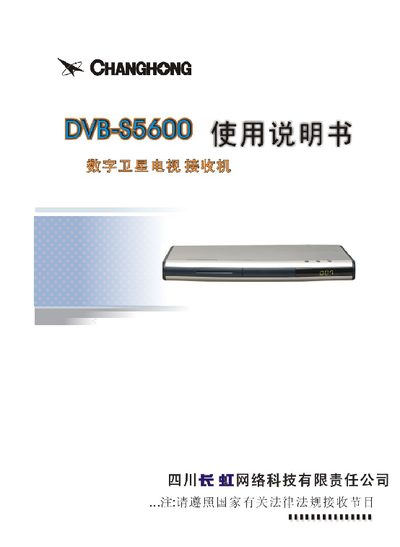
This manual begins with safety precautions and power‑connection guidelines, reminding users to handle the AC plug firmly, keep the device away from moisture and heat, and disconnect power before any maintenance. It also describes the front‑panel layout, remote‑control keys, and the required connections to the TV, antenna and power source.
Subsequent sections cover menu navigation, satellite configuration, program editing, and other functions such as audio channel switching and program deletion. Detailed step‑by‑step instructions show how to add, modify, or delete satellites and programs, as well as how to use the built‑in preview and signal‑strength display features. This manual is written in Chinese.
| Power Supply | AC 220V/50Hz |
|---|---|
| Supported Bands | C and Ku |
| Antenna Signal Strength Display | Yes |
Insert or remove the AC plug firmly, never use wet hands, keep the cord away from heat sources, and disconnect the plug before servicing.
Press the “伴音” (audio) key; each press cycles the function of the program‑plus/minus keys between volume control and menu navigation.
From the Program Editing menu, move the cursor to “Delete Program”, press Confirm, select the program to delete, and confirm the deletion; exit without saving if you change your mind.