
This document is the user manual of Canon EF lens. It mainly introduces the installation, removal, setting of focus mode, zoom and infrared indicator mark of the lens.
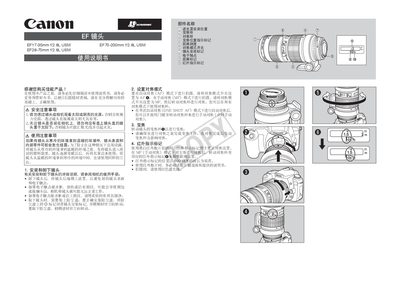
This manual explains safe handling of the EF17-35mm f/2.8L USM lens, including warnings about viewing the sun and protecting the lens from condensation. It also covers installation, removal, and cleaning of the lens and its accessories.
Detailed sections describe focus mode selection, use of the infrared indicator mark, infinity focus adjustment, hood and filter installation, optional accessories such as teleconverters and tripod collars, and the lens specifications. This manual is written in Chinese.
| Focal length | 17-35mm |
|---|---|
| Filter thread size | 77 mm |
No. Do not view the sun or bright light sources through the lens or with the lens cap off, as it can damage eyesight.
Use a soft cloth to gently wipe any dirt or fingerprints from the contacts.
Align the red mark on the hood with the lens’s red mark and rotate clockwise until it locks in place.
Set the focus mode switch to MF and rotate the focus ring to achieve focus.