
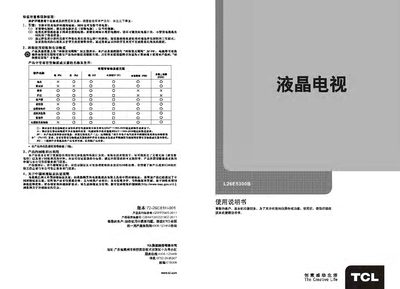
This manual explains safety warnings, environmental considerations, and proper disposal for the TCL L26E5300B TV. It includes detailed information on the TV's functions, specifications, and how to connect external devices such as HDMI, AV, VGA and USB.
The guide also covers remote‑control operation, basic TV functions, image and sound settings, USB media playback, parental‑control time limits, and a troubleshooting section for common issues like no picture or no sound. This manual is written in Chinese.
| Audio output power | 6W + 6W |
|---|---|
| Power consumption | 30W |
| Screen diagonal | ≈66 cm |
| Operating voltage | 220 V / 50 Hz |
| Operating temperature range | 5 °C – 35 °C |
Press the standby button on the remote control or on the TV to put the unit into standby mode.
Press the “Signal source” key on the remote or the front panel to switch between TV, AV, HDMI, VGA, etc.
Enter the parental‑control menu, select “Time limit”, and adjust the allowed viewing time with the left/right keys.