
This document provides help information about Nintendo products, including installation, maintenance and gaming.
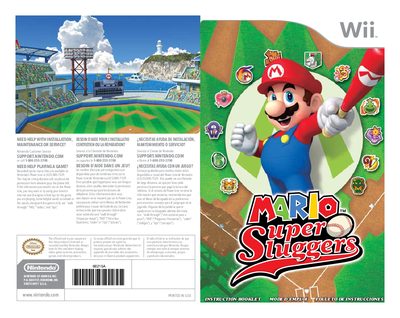
This manual explains how to install the Mario Super Sluggers disc, start the game, and use the Wii Remote or Nunchuk. It also includes important health and safety information, warranty details, and where to get support from Nintendo.
The guide covers the three control styles, how to switch between them, saving and loading game data, and the rules for Exhibition and Challenge modes. It describes player abilities, chemistry, and special actions such as Star Pitch and Buddy moves.
| Supported console | Wii |
|---|
Stop playing, rest, and consult a doctor.
Select Change Controls from the Pause menu and choose the desired control type.
Game progress is saved automatically in up to three files when you return to the main menu.
Take a 10‑ to 15‑minute break every hour of play.